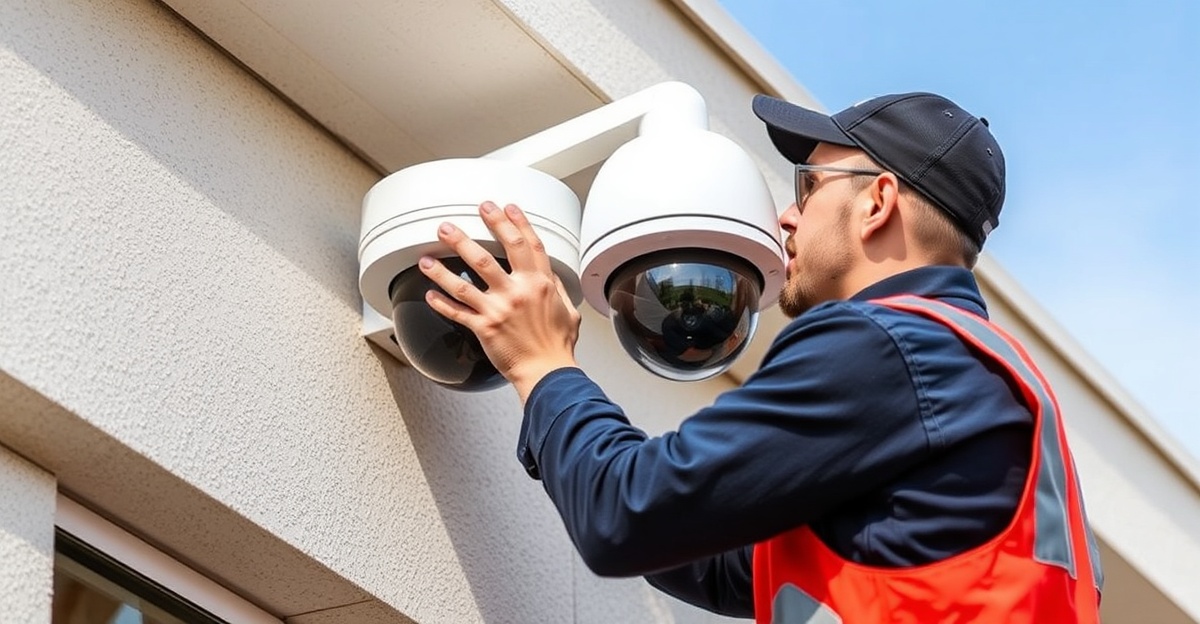
Fort Worth businesses investing in professional security camera systems should understand that proper maintenance is essential for reliable long-term operation. Preventive maintenance minimizes downtime, extends equipment lifespan, maximizes recording quality, and ensures your system provides effective protection when needed. DFW Wholesale Security provides comprehensive maintenance guidance and professional services to help Fort Worth businesses maintain peak system performance.
Why Security Camera Maintenance Matters
Security camera systems operate continuously, exposed to harsh Fort Worth weather conditions including extreme heat, sudden temperature changes, dust, and occasional severe weather. Over time, environmental factors and normal equipment wear create maintenance needs:
- Camera lenses accumulate dust and dirt reducing video quality
- Weather exposure causes material degradation and corrosion
- Network switches and recording equipment generate heat requiring proper cooling
- Cable connections corrode over time affecting signal quality
- Software updates require periodic installation for security and performance
- Hard drives eventually require replacement to prevent data loss
- Environmental factors affect night vision and recording quality
Regular preventive maintenance prevents these issues before they become system failures that leave your Fort Worth property unprotected.
Monthly Maintenance Tasks for Fort Worth Systems
Fort Worth businesses should perform these monthly maintenance tasks:
- Visual inspection: Walk through your facility checking cameras for obvious damage, obstructions, or missing hardware
- Monitor quality check: Review live video from each camera verifying proper operation and video quality
- Motion detection test: Test motion detection alerts to ensure they're functioning properly
- Storage verification: Verify recordings are being saved properly and storage isn't approaching capacity
- Cloud backup check: If using cloud storage, verify uploads are completing successfully
- Mobile app test: Verify remote monitoring via mobile app works properly from off-site location
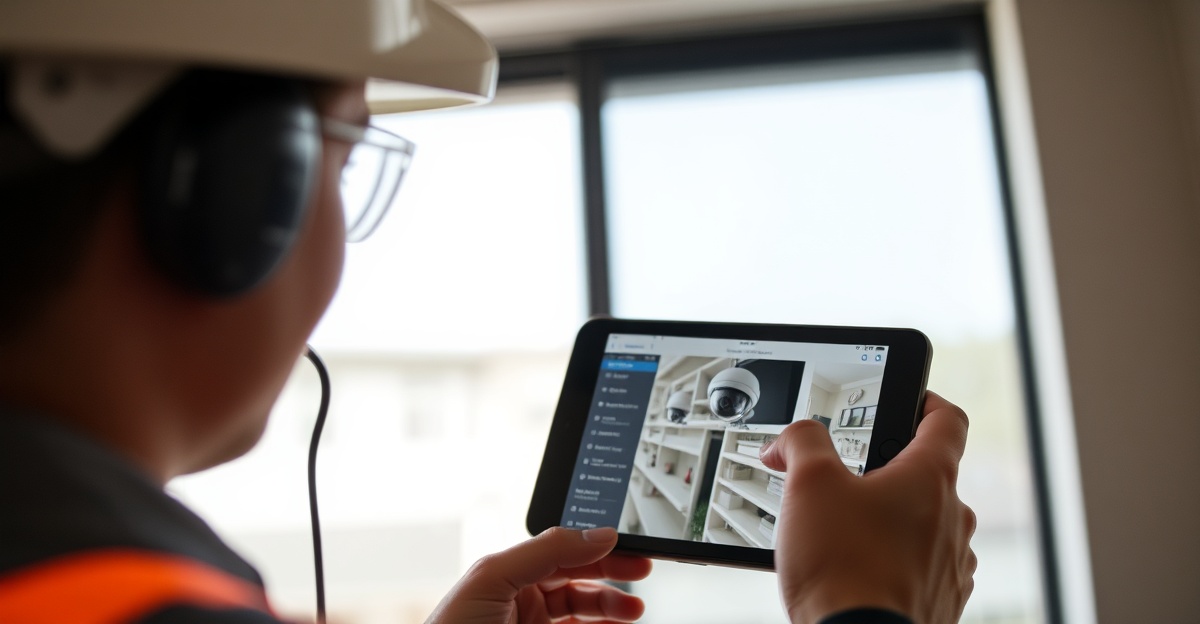
Quarterly Maintenance Tasks
Every quarter, Fort Worth businesses should perform more detailed maintenance:
- Lens cleaning: Carefully clean camera lenses with appropriate lens cleaning solution and microfiber cloth. Dirty lenses significantly reduce video quality
- Housing inspection: Check camera housings for corrosion, water entry, or damage. Apply protective coating to prevent rust if needed
- Network switch inspection: Verify proper fan operation and cooling. Overheating equipment fails prematurely
- Cable inspection: Check visible cables for damage, corrosion, or loose connections
- Recording equipment check: Verify NVR fan operation and proper equipment cooling
- Test footage retrieval: Practice retrieving recordings from various time periods ensuring search and playback functions properly
Annual Professional Maintenance
DFW Wholesale Security recommends annual professional maintenance for all Fort Worth business security systems:
- Professional cleaning: Thorough professional cleaning of all cameras, lenses, and outdoor equipment
- Network testing: Verify all network cables, connections, and switches function properly with professional testing equipment
- Thermal imaging inspection: Identify potential electrical issues or overheating components before failures occur
- Software updates: Install latest firmware updates for cameras and recording equipment for security and performance improvements
- Hard drive testing: Test NVR hard drives for proper function and replace aging drives before failure
- System performance review: Comprehensive review of system performance, storage usage, and recommendations for optimization
- Documentation update: Update system documentation with current configurations and locations
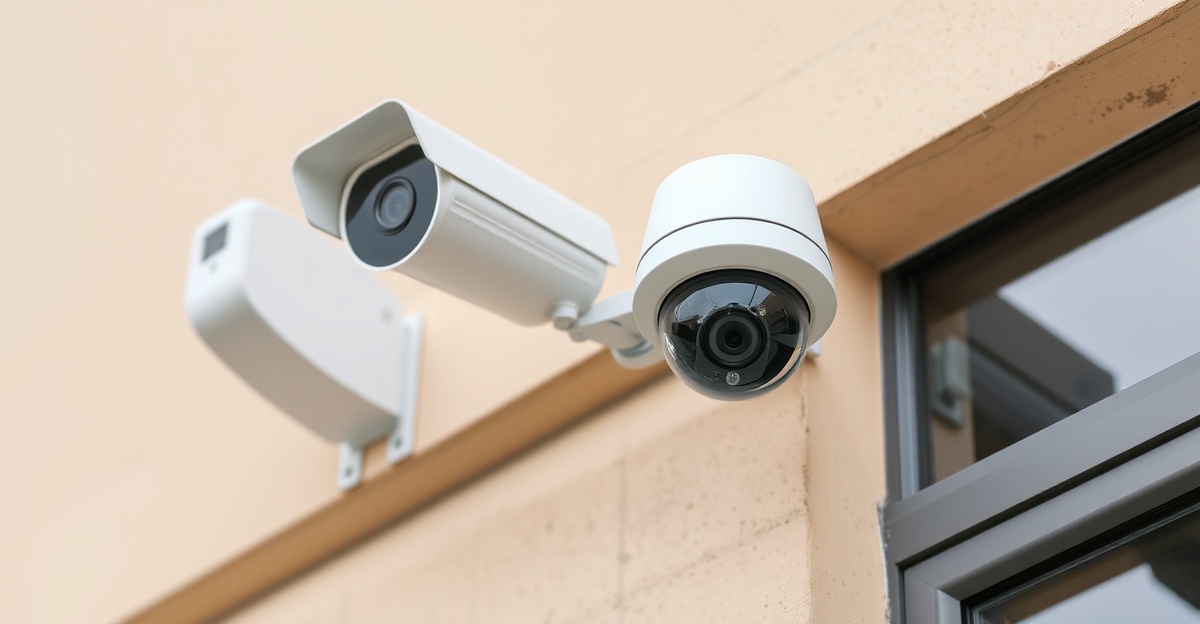
Troubleshooting Common Fort Worth Security Camera Issues
If your Fort Worth security system experiences problems, systematic troubleshooting often identifies the issue:
No video from specific camera: Check camera power connection and ethernet cable. Verify camera hasn't been unplugged or damaged. Check NVR to verify camera is detected on the network. Restart camera and switch if needed. If still no video, camera may need replacement.
Poor video quality or pixelation: Check camera lens for dirt or condensation—clean if dirty. Verify ethernet cable isn't damaged or kinked. Check network switch port isn't experiencing errors. Verify camera resolution is configured properly. May indicate network bandwidth limitations or cable damage.
No footage recorded: Verify recording is enabled in system settings. Check that NVR has storage capacity available. If using cloud recording, verify cloud backup service is active and internet connection is working. Verify hard drives are functioning properly.
Mobile app not connecting: Verify internet connection is working properly. Verify remote access is enabled in system settings. Check that router firewall isn't blocking remote access. Verify app is updated to latest version. Restart app and try again.
Motion detection not alerting: Verify motion detection is enabled for specific cameras. Check that alert email or phone number is correct. Verify motion detection sensitivity is appropriately configured. Too high sensitivity creates false alerts; too low sensitivity misses real motion.
Night vision not working: Verify infrared light ring is illuminated around camera. Check for obstructions blocking IR light emission. Verify camera isn't pointed at reflective surface that blinds IR sensors. May indicate IR LED failure requiring camera replacement.
Fort Worth Weather Considerations
Fort Worth weather conditions affect security camera system maintenance:
- Heat and UV exposure: Fort Worth summers are extremely hot. Outdoor cameras need good shade or additional cooling to prevent overheating. UV exposure degrades seals and gaskets over time
- Temperature extremes: Fort Worth winter temperature variations cause condensation inside camera housings if not properly sealed. Check seals quarterly
- Wind and dust: Periodic windy conditions blow dust onto camera lenses and into equipment. More frequent lens cleaning may be needed
- Occasional severe weather: Thunderstorms occur periodically. Verify surge protection on network equipment. Check for water intrusion after heavy rains
Extending System Lifespan
Proper maintenance significantly extends security system lifespan:
- Quality equipment properly maintained typically lasts 7-10+ years
- Preventive maintenance prevents expensive emergency repairs
- Regular cleaning and inspection catches minor problems before they become major failures
- Timely replacement of aging components prevents cascading failures
- Professional maintenance ensures optimal performance throughout system life
Why Choose Professional Maintenance
While Fort Worth businesses can perform basic monthly inspections themselves, professional maintenance provides expertise and specialized equipment that ensures optimal system performance. DFW Wholesale Security offers comprehensive maintenance plans customized to your system's specific needs. Our technicians identify issues before they become problems and optimize system performance to ensure reliable protection.
Keep your Fort Worth security system operating at peak performance with professional maintenance. Contact DFW Wholesale Security for a free maintenance assessment and customized maintenance plan recommendation. Call 817-231-2962 today.
Professional Maintenance for Fort Worth Security Systems
Expert maintenance ensuring reliable system performance.